
Bulk Import Questions for Master Study
If you have ever built a course on MasterStudy LMS, you know the struggle.
You have a great curriculum and hundreds of quiz questions ready to go in a spreadsheet, but getting them into WordPress is a nightmare.
Clicking “Add Question,” typing the question, adding the answers, selecting the correct choice, and hitting save… repeated 500 times. It’s tedious, prone to copy-paste errors, and a massive waste of time.
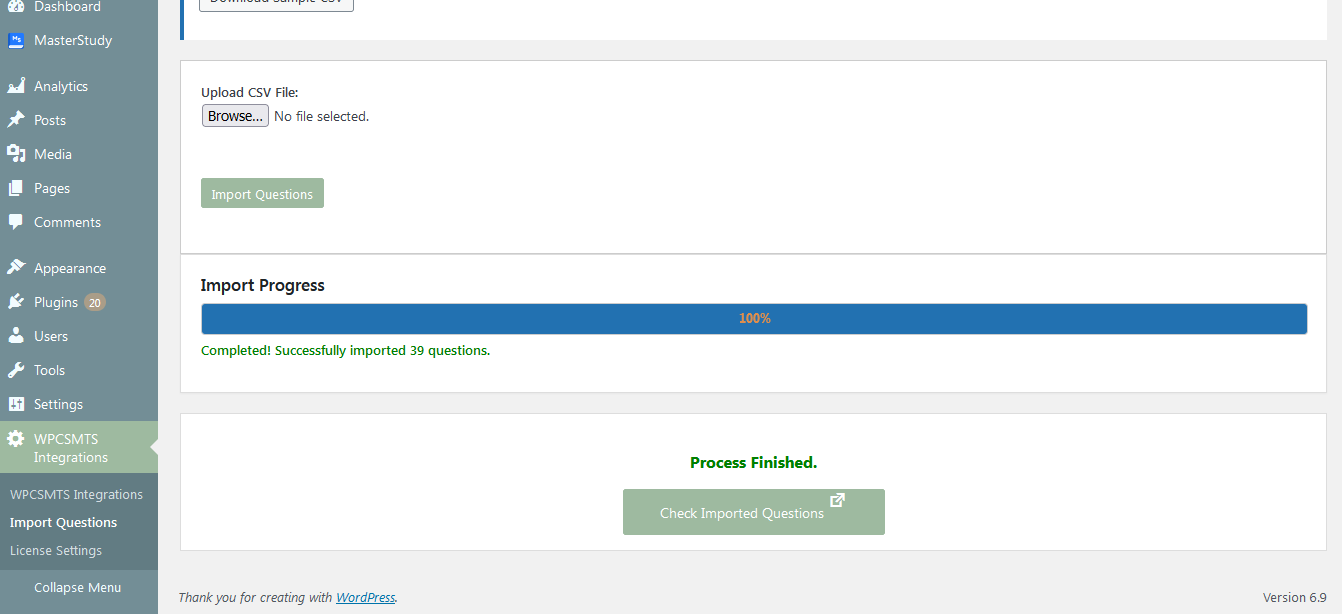
In this guide, I’m going to show you how to skip the manual work and bulk import hundreds of questions instantly using a simple CSV file.
To solve this, we developed the Bulk Import Questions for Master Study plugin.
It is a lightweight, purpose-built add-on designed specifically to bridge this gap.
Key Features:
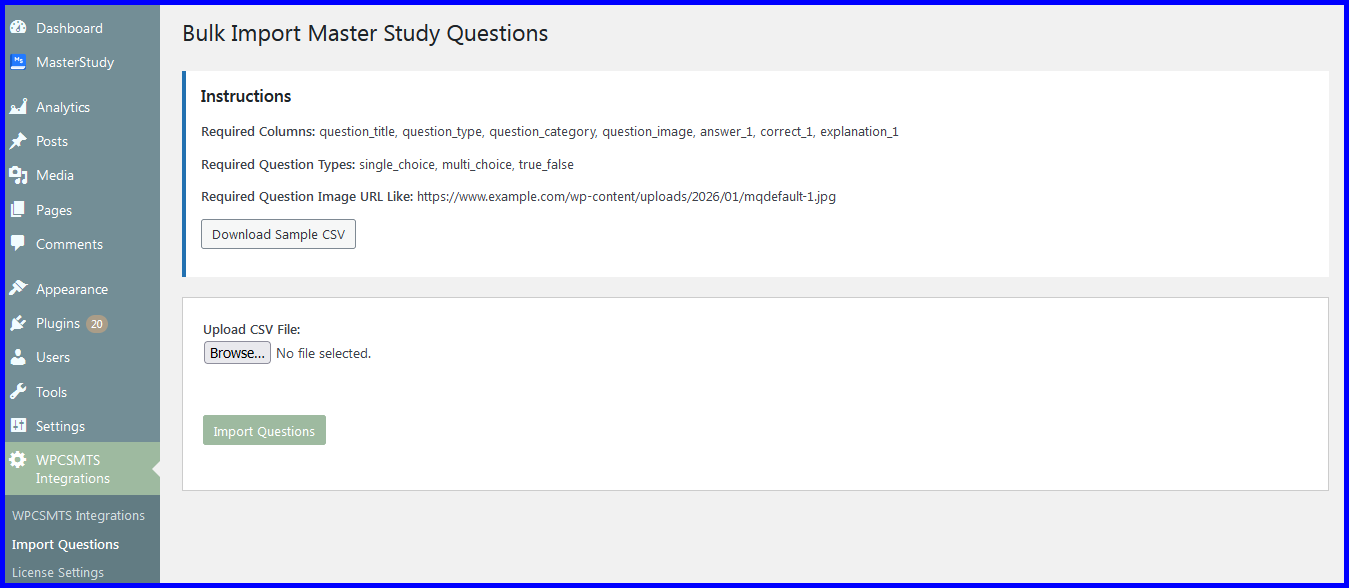
CSV Support: Import from Excel or Google Sheets (saved as .csv).
Bulk Processing: Upload dozens or hundreds of questions at once.
Smart Mapping: Automatically detects Question Title, Question Type, Question Category, Question Image, Answer, Correct Answer and Explanation.
Format Support: Handles Single Choice, Multiple Choice and True-False questions.